
Beta on iPhone, iPad, Mac and Apple Watch
Ring. Just you and the people you love.
A private messenger and calling app for families and friends. Every message, photo and call is end-to-end encrypted, and the network is invite-only, so the only people on it are people someone invited.


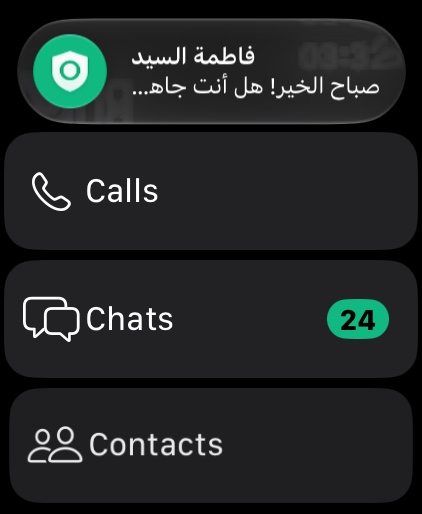
Made to feel at home
Calm, dark and green, like a quiet room for the people who matter. Swipe through a few of the places you'll spend time in.
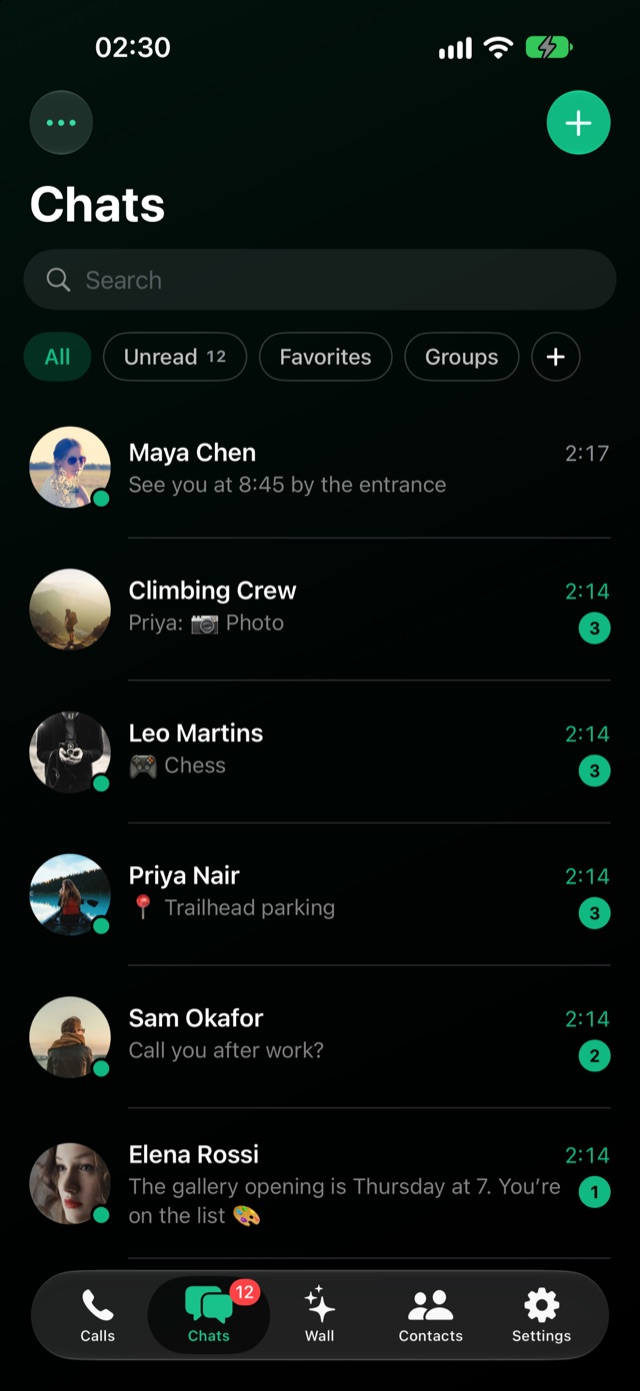
Your chats Unread, favourites and groups, one tap apart.
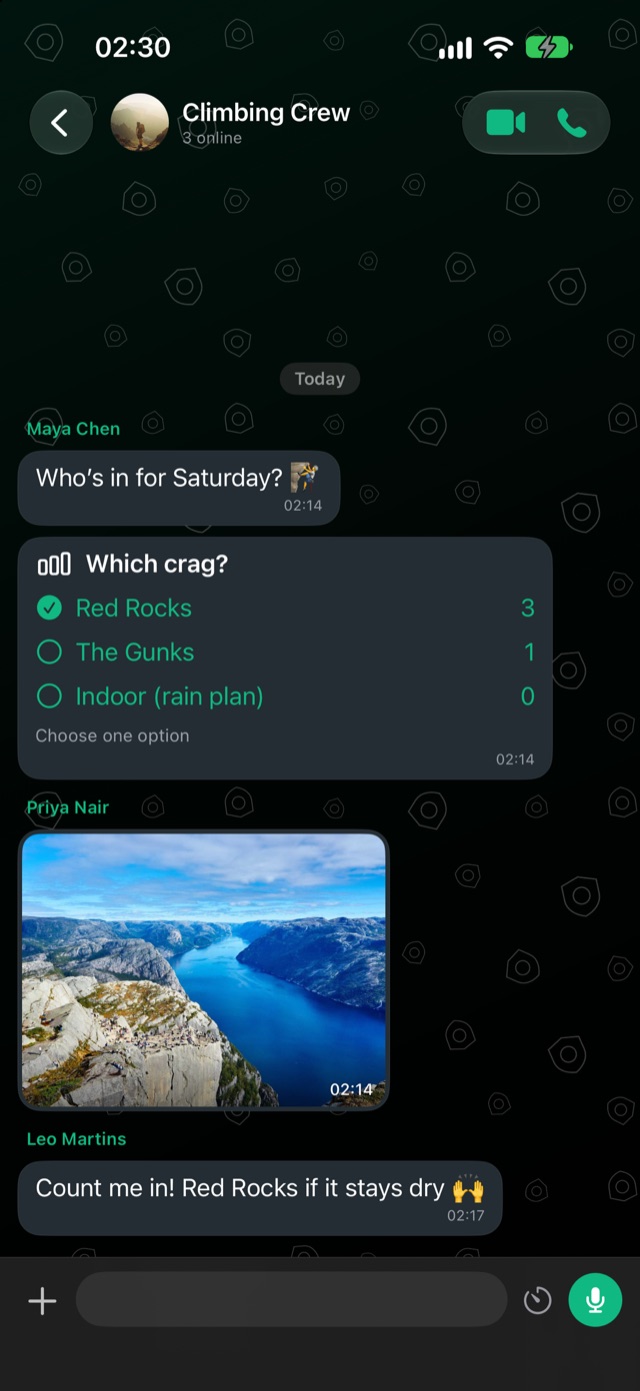
Groups and polls Plan the weekend without fifty messages.
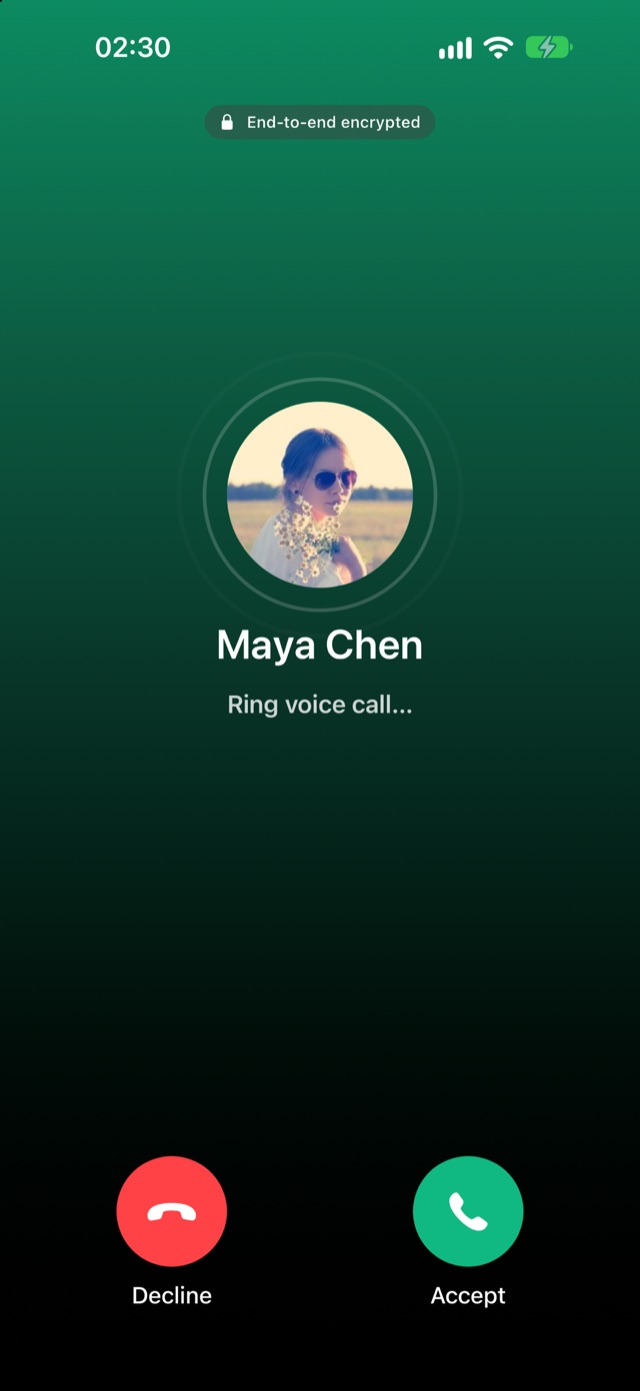
Voice and video calls Ringing on every device you own.
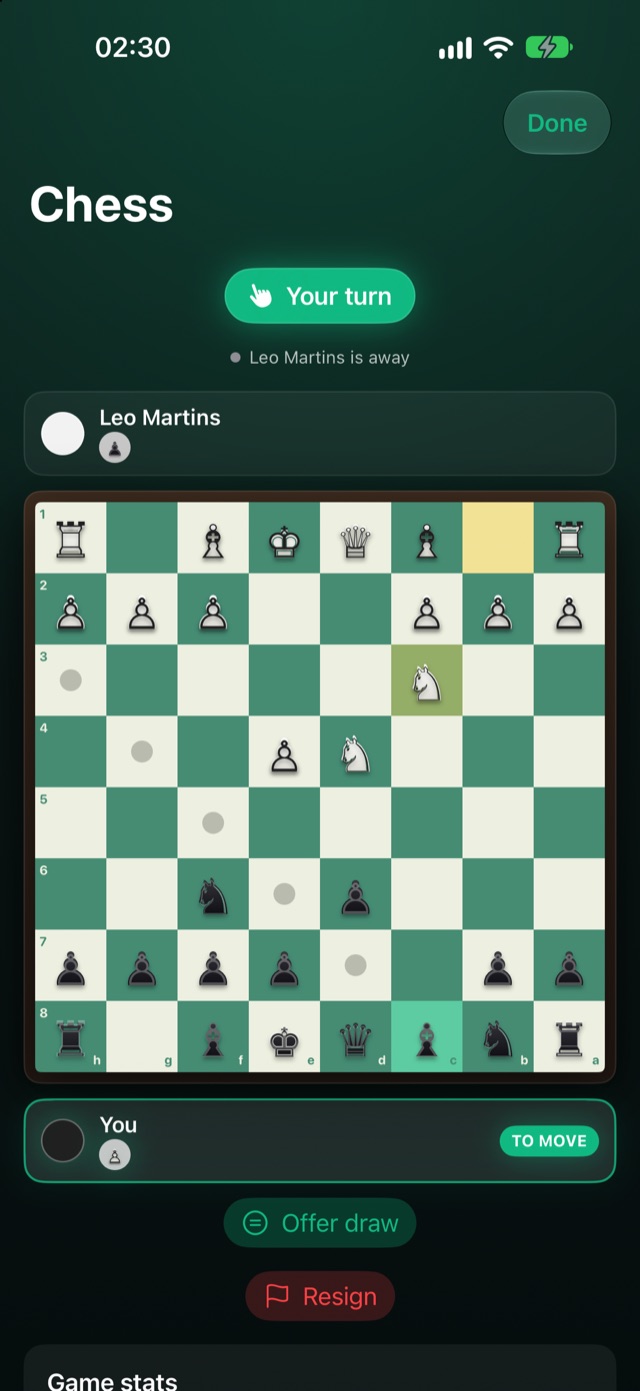
Chess A game in the chat, one move at a time.
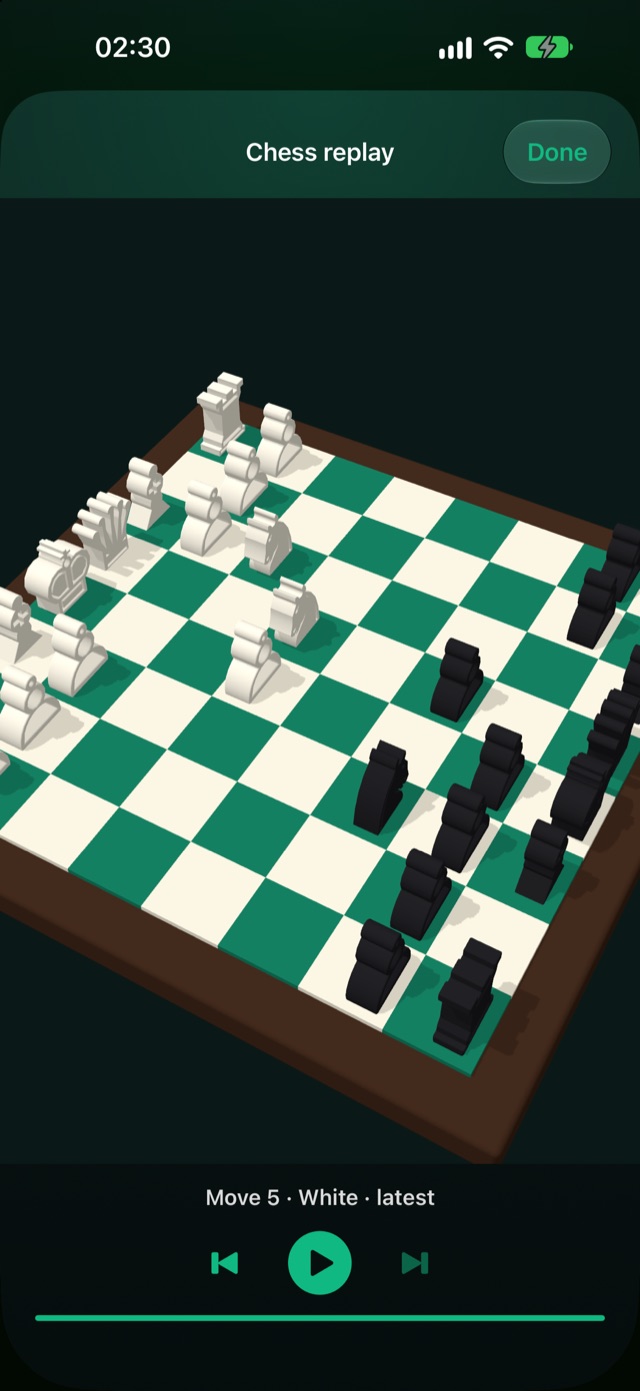
Replays Watch a finished game again, in 3D.
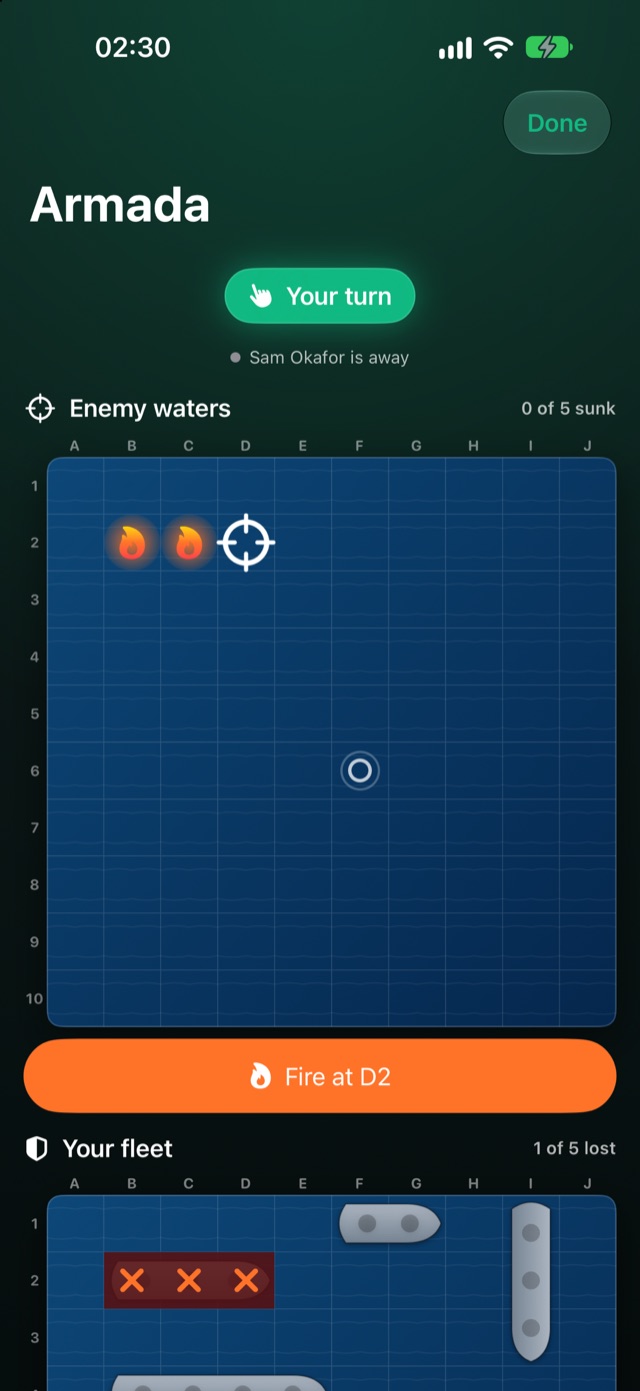
Armada A naval duel with a friend.
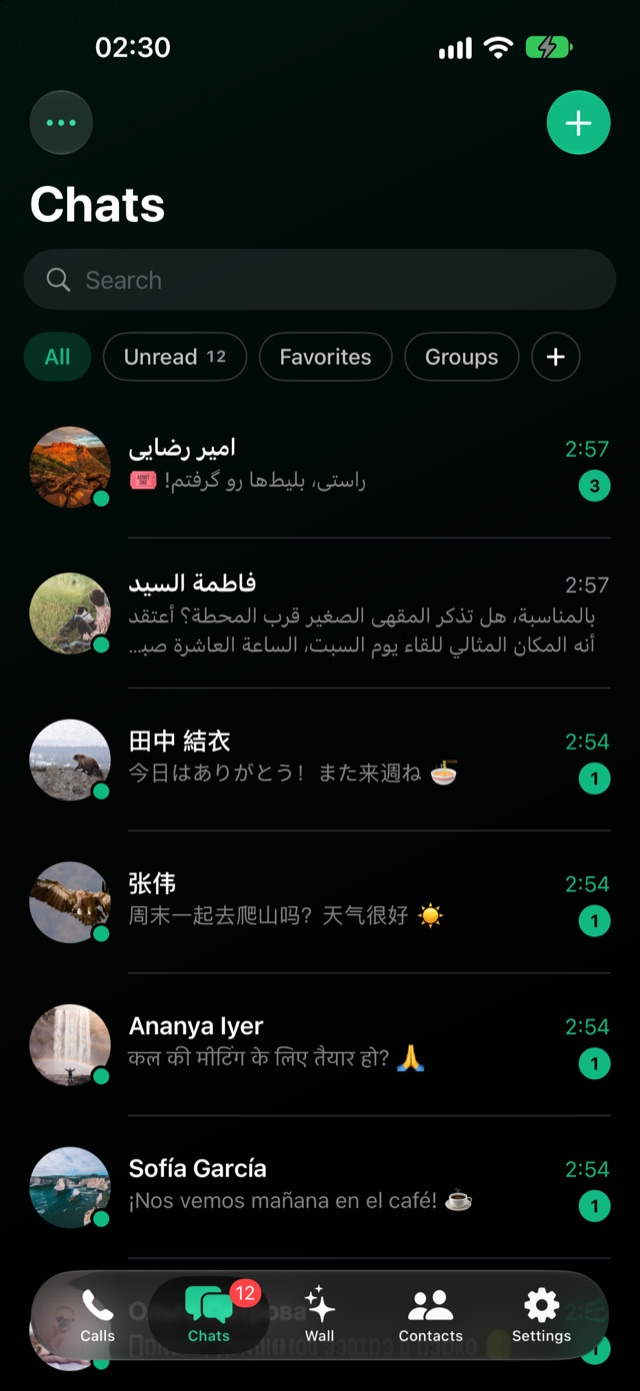
Every language Names and messages in any script.
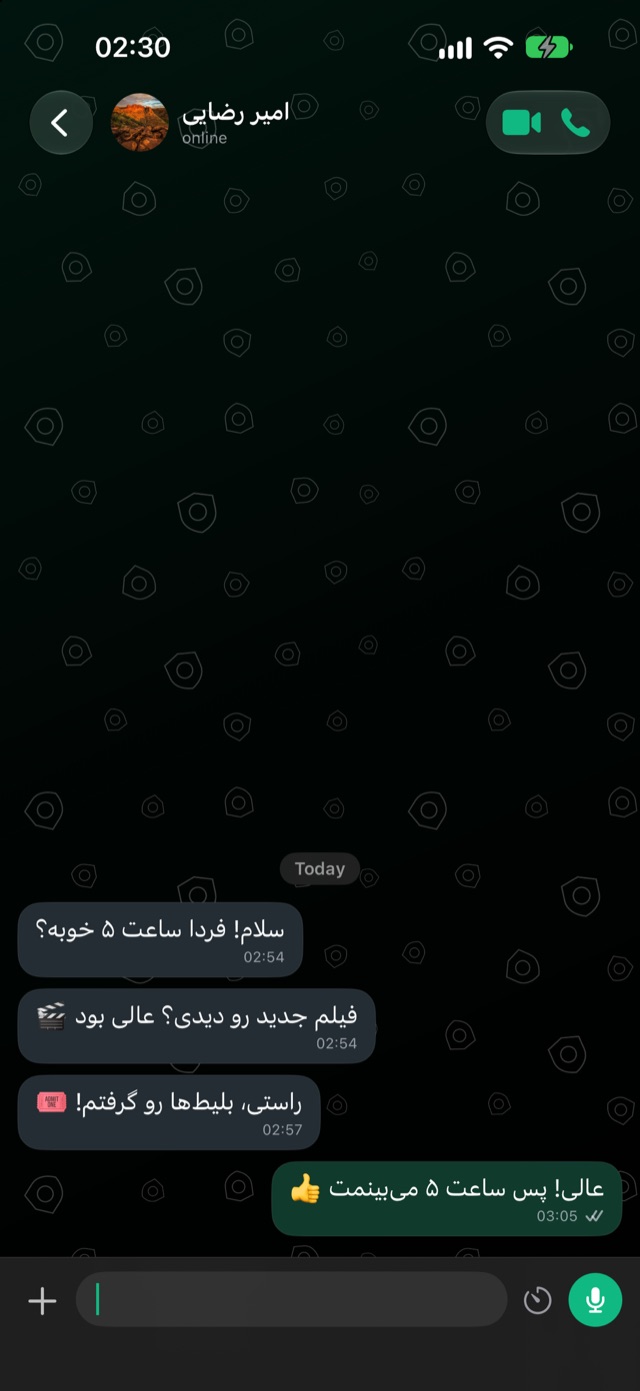
Right to left Arabic, Persian and Hebrew read naturally.


One Ring, shaped for each device
Not one app stretched to fit. Each device gets the layout that suits it, and your chats are on all of them at once.

Mac
A sidebar, a roomy chat, and the keyboard you already type fastest on. Calls ring on your desk while your phone stays in your pocket.
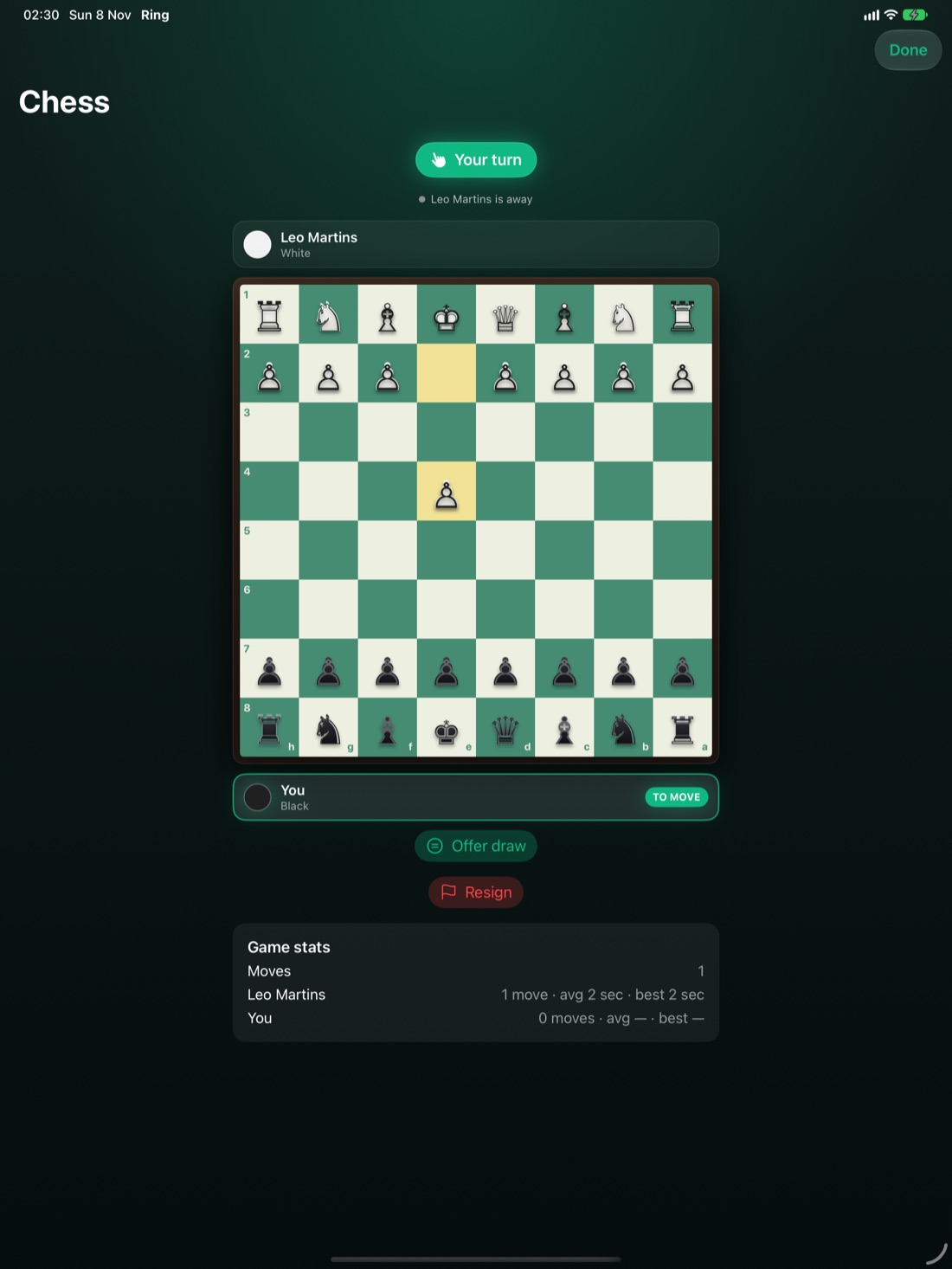
iPad
Chats beside the conversation, photos big enough to enjoy, and a chess board you can lean over together.
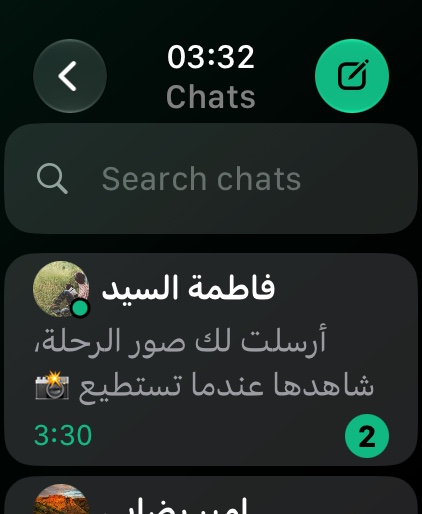
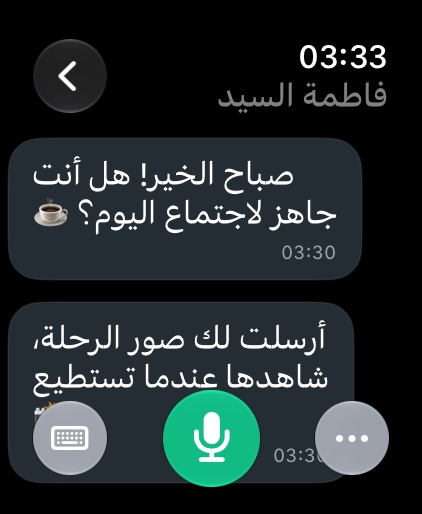
Apple Watch
Read, reply and take calls from your wrist. A watch can also have an account of its own, set up from your phone.
Everything a family chat needs
Messages and groups
One-to-one and group chats with replies, reactions, @mentions, voice and video messages, and photos, up to 100 at a time.
Voice and video calls
One-to-one and group calls, with call waiting and hold. Call audio and video go straight between devices when the network allows, and through an encrypted relay when it doesn't.
The Wall
Share posts with the friends you choose. Each post disappears after the lifetime you pick, counted from its last activity.
Music and media
Songs shared in a chat play as a playlist with their own player. Voice messages keep playing when you leave the chat.
Games
Play chess, Connect Four or Armada, a naval duel, with friends in your chats.
Sends even offline
Write or share without a connection and it appears in the chat at once, then goes out by itself, in order, when you are back online.
The server delivers. It can't read.
Ring's server passes sealed envelopes between devices and stores only encrypted data. Here is what that means, without the small print.
Encrypted on your device
Only the people in the conversation hold the keys. The server never sees:
- The text of your messages, reactions and replies
- Your photos, videos, voice messages and files
- What is said or shown on your calls
- Your Wall posts, comments and reactions
- The names you give your contacts, your chats and your settings, which are backed up only in encrypted form
What the server needs to see
To deliver anything, a server needs some facts. We keep that list short and tell you what is on it:
- Your profile in the member directory: username, display name, and, unless you hide them, a small photo and your About line
- Who you are connected with: contacts, friend requests and blocks, so friends-only messaging and your online status settings work
- Who sends to whom, and when. Never what.
- Online and last seen, shown only as your settings allow
The full list, including how long things are kept, is in our Privacy Policy. The technical design is on the Security page.
On the devices your family already has
The Apple apps are in beta on TestFlight, and the App Store release is coming. The web app works today in any modern browser and can be installed to your home screen.
Ring for Android Beta
An early build for friends who are testing it with us. It isn't on Google Play yet: you download it here and install it yourself.
Download
- Version 1.14.84-beta.7
- Needs Android 10 or newer
- Size 35.9 MB
New in beta.7: reply with a message when you decline or end a call while handling two; a heads-up for a waiting call, with Decline, End & Accept and Hold & Accept; sounds and a line when someone joins or leaves a group call; a new friend's first call rings with their name; "Your move" notifications for games, with a Games switch in Settings; your games come along when you move to a new phone; fixes for moved messages. 32-bit phones are included but untested: if Ring does not run well on one, tell us at dev@zuptalo.com.
Install
- On your Android phone, open this page and tap Download for Android. Your browser saves
ring-1.14.84-beta.7.apk. - Open the downloaded file. The first time, Android asks you to allow installs from your browser: tap Settings, turn on Allow from this source, go back, then tap Install.
- If Google Play Protect says it doesn't know this app, tap More details, then Install anyway. Ring isn't on Google Play yet.
Move over from Ring on the web
- In Ring on the web, go to Settings › Change device › Move to another device › Start move. Save the file it makes where this phone can open it. If you use Ring on the web on this same phone, Downloads is fine.
- In Ring for Android, tap I already have an account, then Yes, move from it. Enter your recovery code, tap Continue, then Choose the file and Import. Your chats and messages come along, and Ring on the web is signed out.
- Delete the move file afterwards.
Updates
- Ring checks zuptalo.com once a day and offers newer versions itself.
- To update, open the newer file and tap Update. Your account and chats stay.
- Don't uninstall first: that deletes the account from the phone.
- Settings › About shows the version you have.
Check the file
Optional. If you want to be sure the file is the one we published, compare these fingerprints.
- APK SHA-256
d4f0b222f49ef22a25a0183a40c2309705046ac4fa60fe726d50971c869940d6- Signing certificate SHA-256
BB:F1:7B:58:E2:7A:E8:1F:15:6D:51:B7:D5:CA:CE:5F:9A:06:18:BF:0F:6F:2A:C7:90:BE:4F:36:EE:4E:BB:82
Free, with nothing to sell you
Ring is free, with no paywall, no ads and no tracking. If you would like to support its development you can contribute what you think it is worth, but contributions are optional and never unlock anything.
Join the beta
Install TestFlight from the App Store, then open the link below on your iPhone, iPad or Mac. Ring is invite-only: to sign up you need an invitation code from someone who is already on Ring. The beta has room for 100 testers.